+93 792 888 400
lighthouseacademy.official1@gmail.com
Ahmad Shah Baba Maina ( Arzan Qemat ), Mamoriat square, Bilal Business Center 3rd Floor
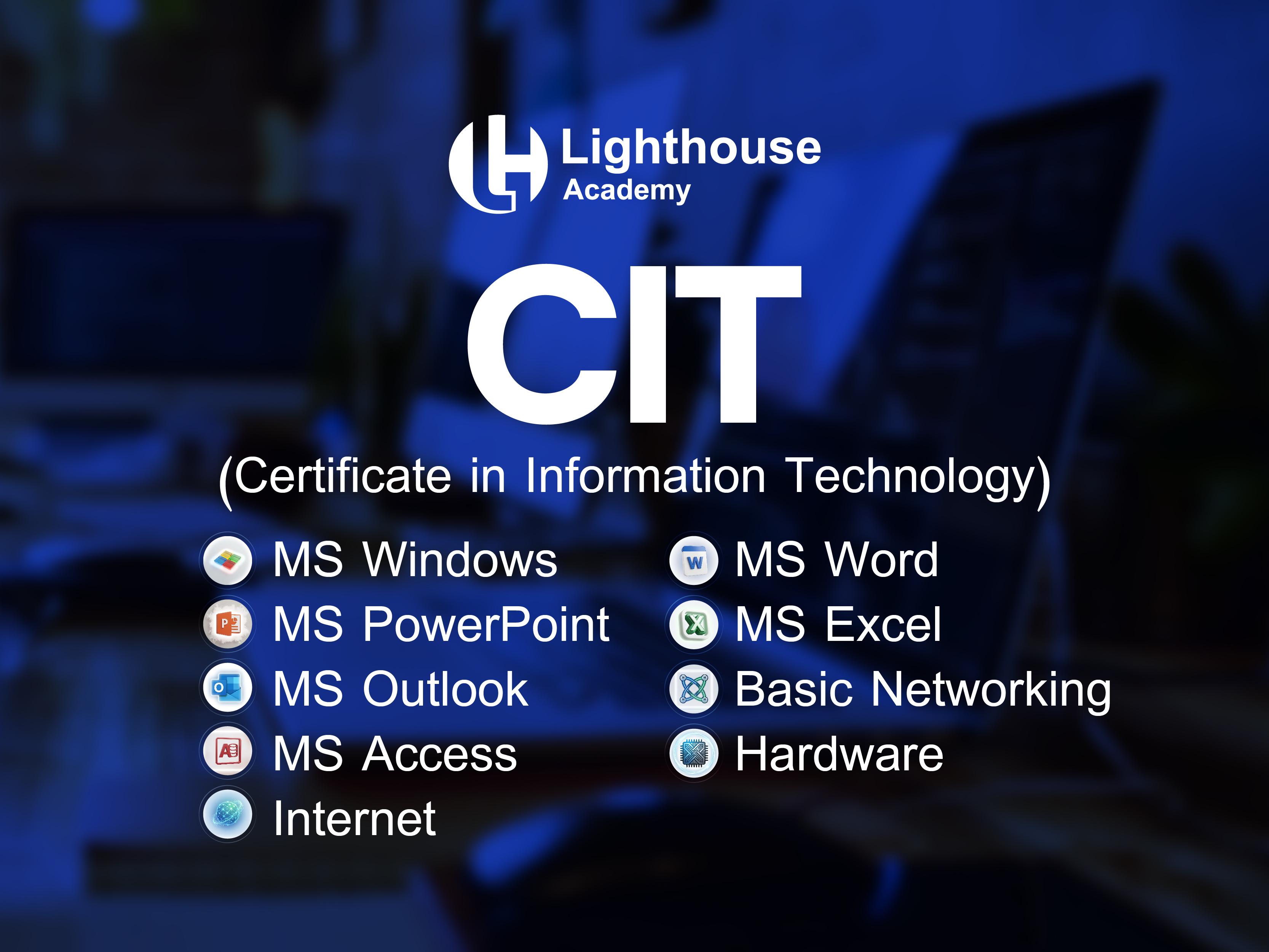
CIT

Course Overview

The Certificate in Information Technology (CIT) is a comprehensive beginner-level program designed to equip students with essential computer knowledge and practical skills required in today’s digital world. It is ideal for students, job seekers, and professionals who want to build a strong foundation in IT.
Course Objectives
• Develop basic computer literacy
• Improve productivity using modern software tools
• Understand fundamental IT concepts
• Prepare students for advanced IT and professional courses
Key Features
  • Beginner-Friendly Course – No prior computer knowledge required
  • Practical-Based Learning – Hands-on training with real-world tasks
  • Complete MS Office Training – Word, Excel, PowerPoint with projects
  • Basic IT & Computer Fundamentals – Strong foundation building
Career Opportunities
Data Entry Operator Work with databases, spreadsheets, and manage company records. Receptionist / Front Desk Officer Manage customer interaction, emails, and basic office systems. Office Assistant Support administrative work using MS Word, Excel, and email.

Course Curriculum

Curriculum is being updated. Please check back later.

Sir. Sayed Akhlaq Yaar

Sir. Sayed Akhlaq Yaar

Senior Web Development and CIT / DIT Instructor

3.5 120+ Students 5+ Years
About the Instructor

Muhammad Sayed Akhlaq Yaar is a dedicated and passionate Computer Instructor with expertise in teaching CIT (Certificate in Information Technology), DIT (Diploma in Information Technology), MIT, and Web Development. With a strong background in both theoretical and practical aspects of computing, he focuses on empowering students with modern digital skills.)

Expertise
  • CIT & DIT
  • JavaScript Framework
  • Full Stack Development
  • PHP & MY SQL

3.5

Based on 245 reviews

5 Star
80%
4 Star
15%
3 Star
3%
2 Star
1%
1 Star
1%

No reviews yet. Be the first to review this course!

Key Features
  • Beginner-Friendly Course – No prior computer knowledge required
  • Practical-Based Learning – Hands-on training with real-world tasks
  • Complete MS Office Training – Word, Excel, PowerPoint with projects
  • Basic IT & Computer Fundamentals – Strong foundation building
This Course Includes
  • Computer Basics
  • MS Word, Excel, PowerPoint
  • Typing Practice
  • Practical Exercises & Projects
  • Certificate on Completion
Download Brochure

Get detailed course syllabus, fee structure, and placement statistics.

Download PDF
Share this Course